
Central draw.io diagram management for your organization
diagramHub centralizes, secures, and standardizes your draw.io diagrams across your organization — with Entra ID SSO and optional self-hosting.
Entra ID SSO • AI assistants via MCP • Self-hosted option available
Your diagrams are scattered. Your knowledge is leaking.
In most companies, diagrams live everywhere:
Where diagrams end up today
- SharePoint folders
- Confluence pages
- Git repositories
- Local files
No ownership, no structure, no visibility.
That leads to
- Lost architecture knowledge
- Duplicate or outdated diagrams
- Painful onboarding for new engineers
- Risk during audits and compliance reviews
A central system of record for your diagrams
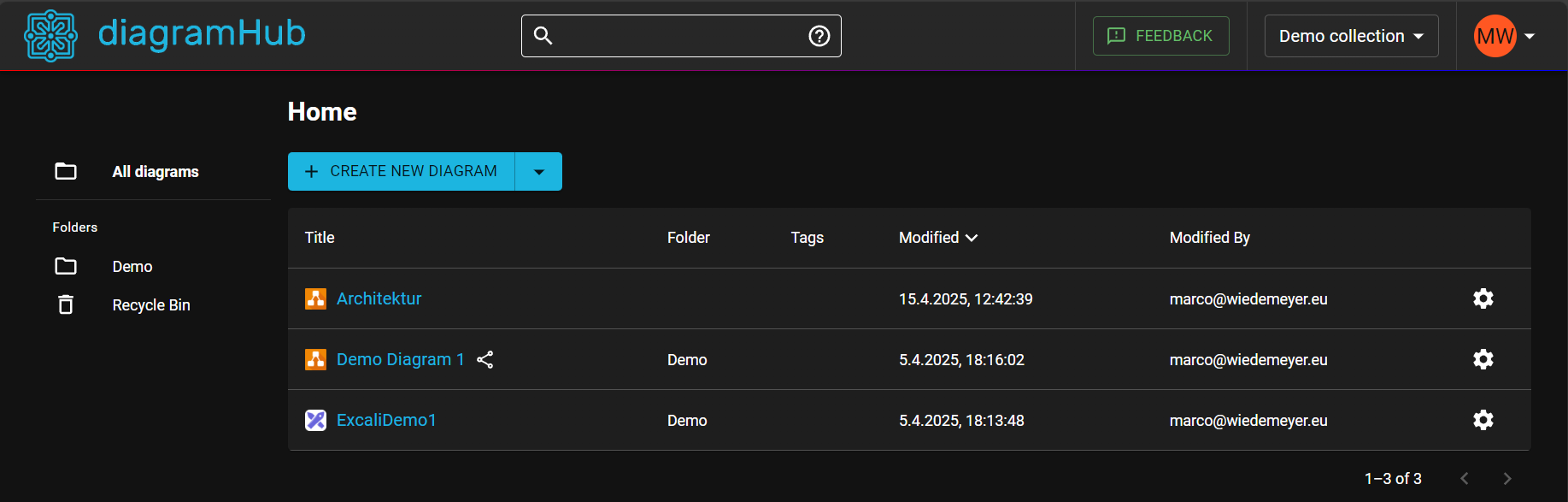
diagramHub gives your organization one place to manage all draw.io diagrams — with structure, access control, and discoverability built in.
Centralized diagram repository
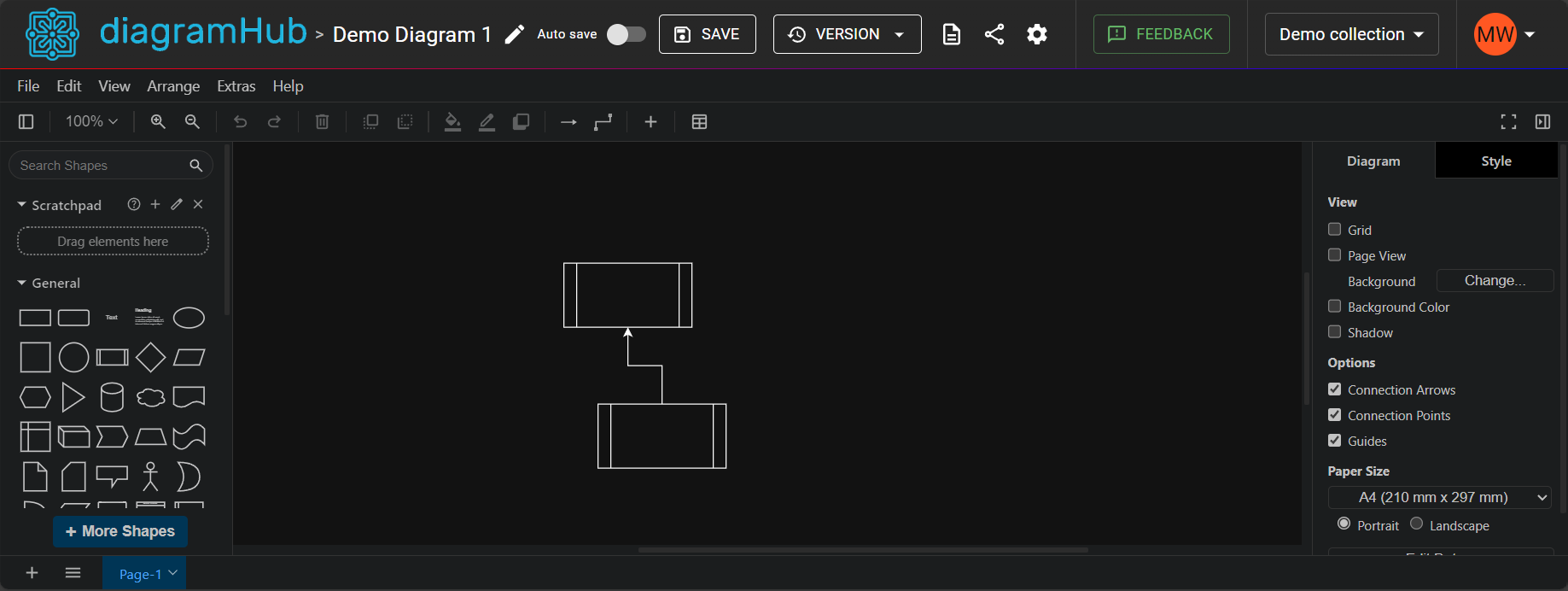
Real-time collaboration
Version control & history
Powerful search across all diagrams
Secure access via Entra ID
Works with your existing workflow
1
Connect your organization
Authenticate via Entra ID and onboard your teams instantly.
2
Import or create diagrams
Bring existing draw.io diagrams or create new ones directly.
3
Organize and standardize
Structure diagrams by teams, systems, or projects.
4
Collaborate and control
Control access, track changes, and keep everything up to date.
Built for teams that take architecture seriously
Secure by design
SSO via Entra ID, role-based access, and optional on-prem deployment.
Preserve knowledge
Never lose critical system diagrams again.
Standardize documentation
Create consistency across teams with shared structures and templates.
Find anything instantly
Search across all diagrams and documentation in seconds.
Let your AI assistant draw and update your diagrams
diagramHub includes a built-in MCP server. Connect Claude, GitHub Copilot or your local AI and work on your draw.io diagrams in plain language, with the same permissions you have in diagramHub.
Ask about your architecture
Find diagrams across all collections and let the AI explain systems, flows and their documentation.
Create diagrams from a prompt
Describe a system, paste code or a spec, and get a clean, editable draw.io diagram in your collection.
Update existing diagrams
Add services, rename components or restructure pages. Everyone with the diagram open sees the change live.
You
Open the "Payment Platform" diagram and add a fraud check service between the API gateway and the payment service.
AI assistant
✓ search_diagrams "Payment Platform"
✓ get_diagram
✓ update_diagram (version saved before the change)
Done. I added "Fraud Check" and connected it between the API Gateway and the Payment Service. You can restore the previous state from the version history at any time.
Your permissions, nothing more
The AI only sees and changes what you can. Personal access tokens can be read-only, expire and be revoked any time.
Every AI edit is reversible
A version is saved before the AI changes a diagram, and every change is recorded in the audit log.
Works with the AI you already use
Claude, GitHub Copilot in VS Code, Claude Code and any other MCP compatible client, including local models.
Deploy on your own infrastructure
Need full control over your data? diagramHub can be deployed on-premise or in your private cloud.
Ideal for:
- Regulated industries
- Security-sensitive environments
- Air-gapped systems
Who diagramHub is for
Enterprise Architecture Teams
Centralize and govern system diagrams across the company.
DevOps & Platform Teams
Keep infrastructure and system diagrams up to date.
Engineering Teams
Collaborate on technical diagrams without losing context.
Compliance & Security Teams
Ensure diagrams are controlled, accessible, and audit-ready.
Simple, scalable pricing
Start small and scale across your organization.
Per-user SaaS plans • Enterprise plans available • Self-hosted licensing options
Pricing Plans
Choose the plan that fits your needs
Free
Perfect for personal use
✓ Up to 3 diagrams
✓ Microsoft personal or work account
✓ Realtime collaboration
✓ Export & sharing
✓ Install as a desktop app (PWA)
Editor
per user / month
✓ Unlimited diagrams
✓ Microsoft personal or work account
✓ Realtime collaboration
✓ Guest editor links
✓ Organization administration
✓ Install as a desktop app (PWA)
✓ Unlimited viewer licenses in your organization
Self-Hosted
For enterprise needs
✓ Full data control
✓ Deploy in your own environment
✓ SSO with Microsoft Entra ID
✓ Enterprise security
✓ All features of Editor plan
Bring your diagrams under control
Start using diagramHub today or talk to us about enterprise deployment.
diagramHub — Your diagrams, all in one place
© 2026 Marco Wiedemeyer - Software Solutions